
Mac OS Workspace
-
An operating system should be convenient, easy to use, reliable, safe, fast, and users expect excellent design that suits their needs. The current Mac operating systems are well designed for the average user, however, it is difficult to stay organized when working on a multitude of projects at the same time. There is a need for a higher functioning and more advanced operating system for working professionals that would allow them to multitask and maintain organization.
-
In order to address this problem, I began researching operating systems, how they are designed, and how they function. I deeply analyzed multiple operating systems looking for functions that were successful, while acknowledging any pain points in the experience that I would be able to improve. Using the research as my foundation, I was able to begin planning ways to make the experience of using an operating system to its maximum capacity, seamless and enjoyable.
-
Inspired by the need for an operating system, that would allow user to stay organized and increase productivity. With a customizable dock, gestures for accessibility, full access to every application and window open on multiple desktops, and clear navigation, users are able to complete projects and have improves access to their resources without sacrificing organization.
Interaction Design, Experience Design
Process Sketches
Gestures
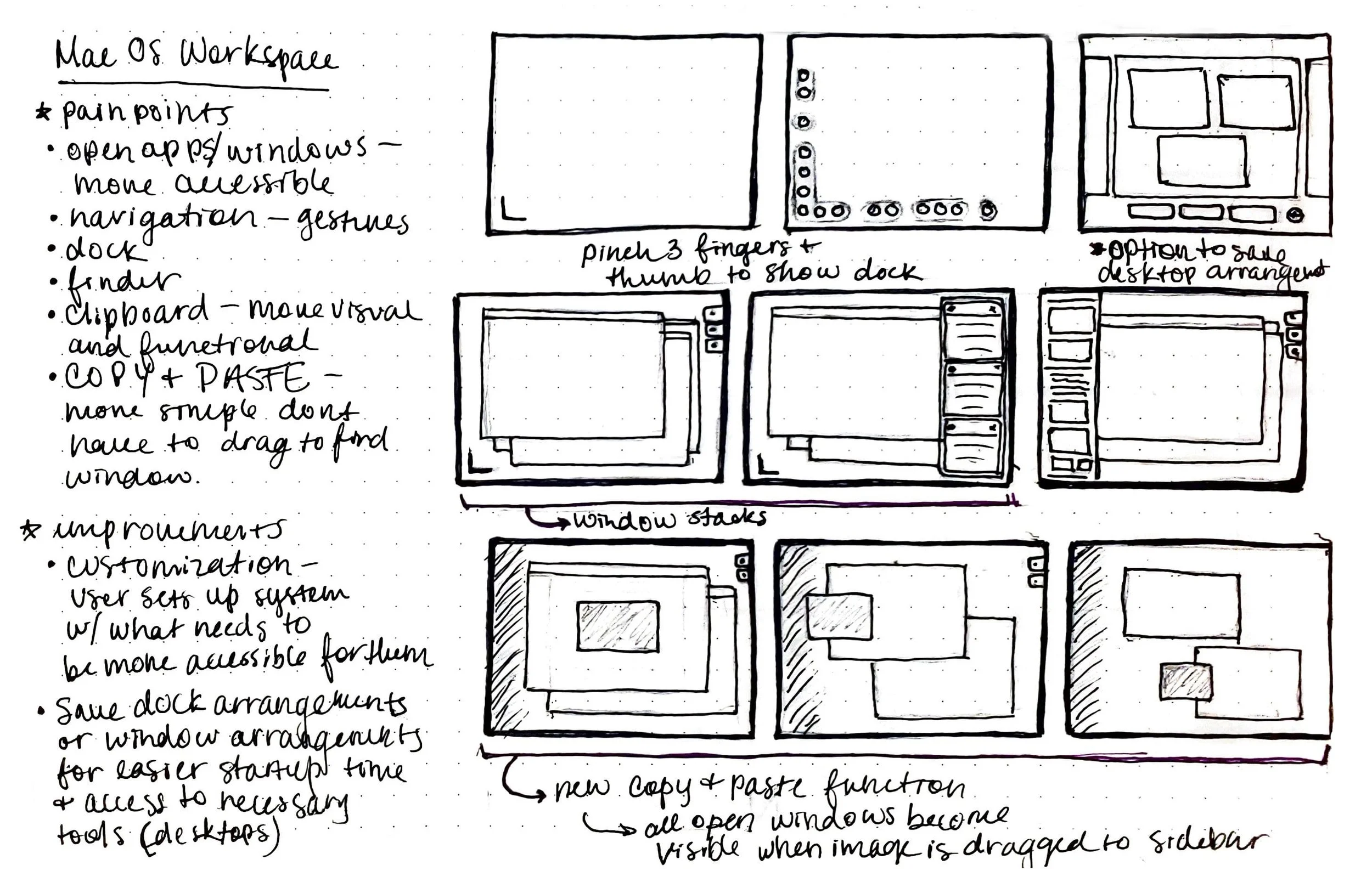
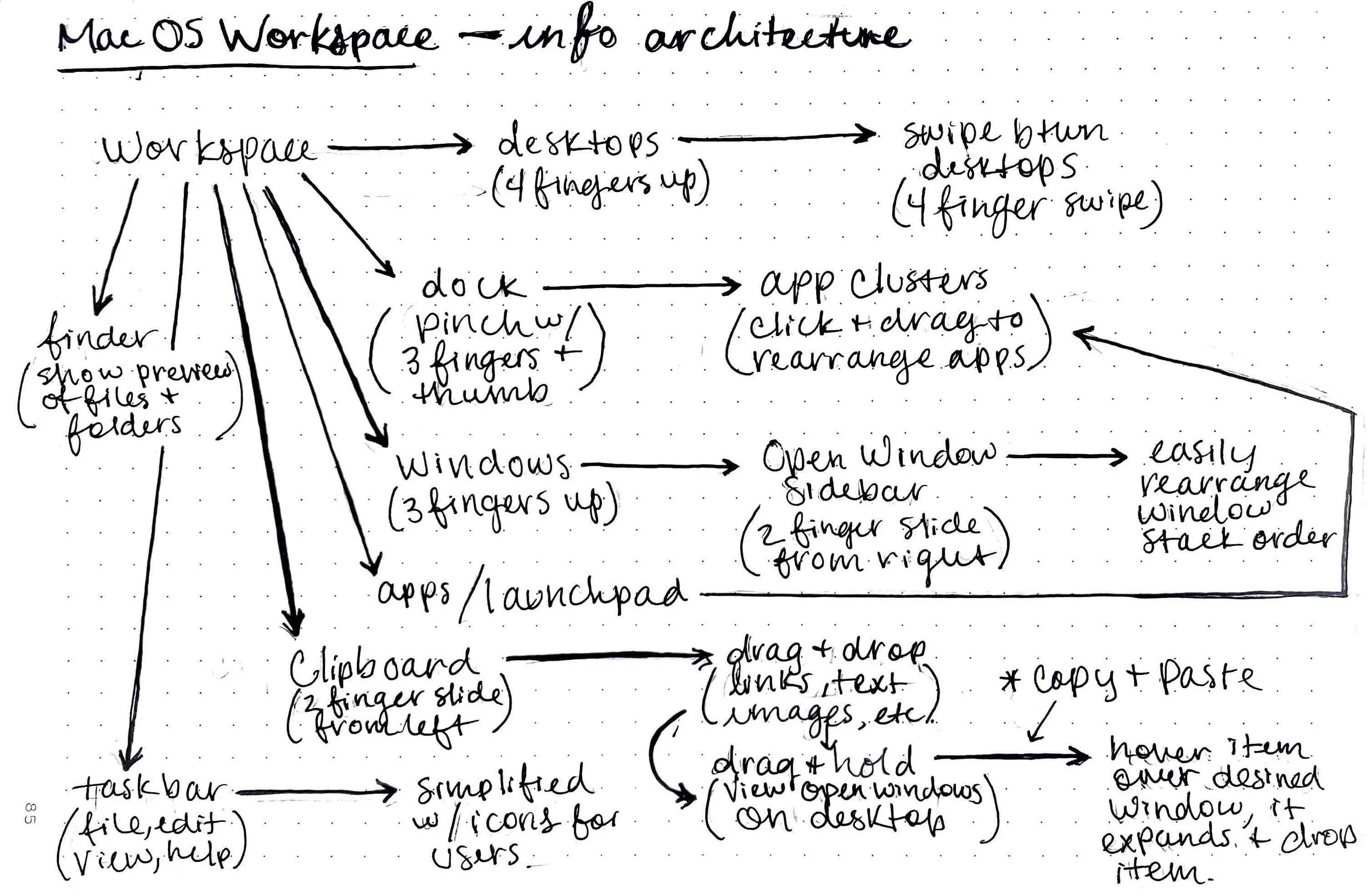
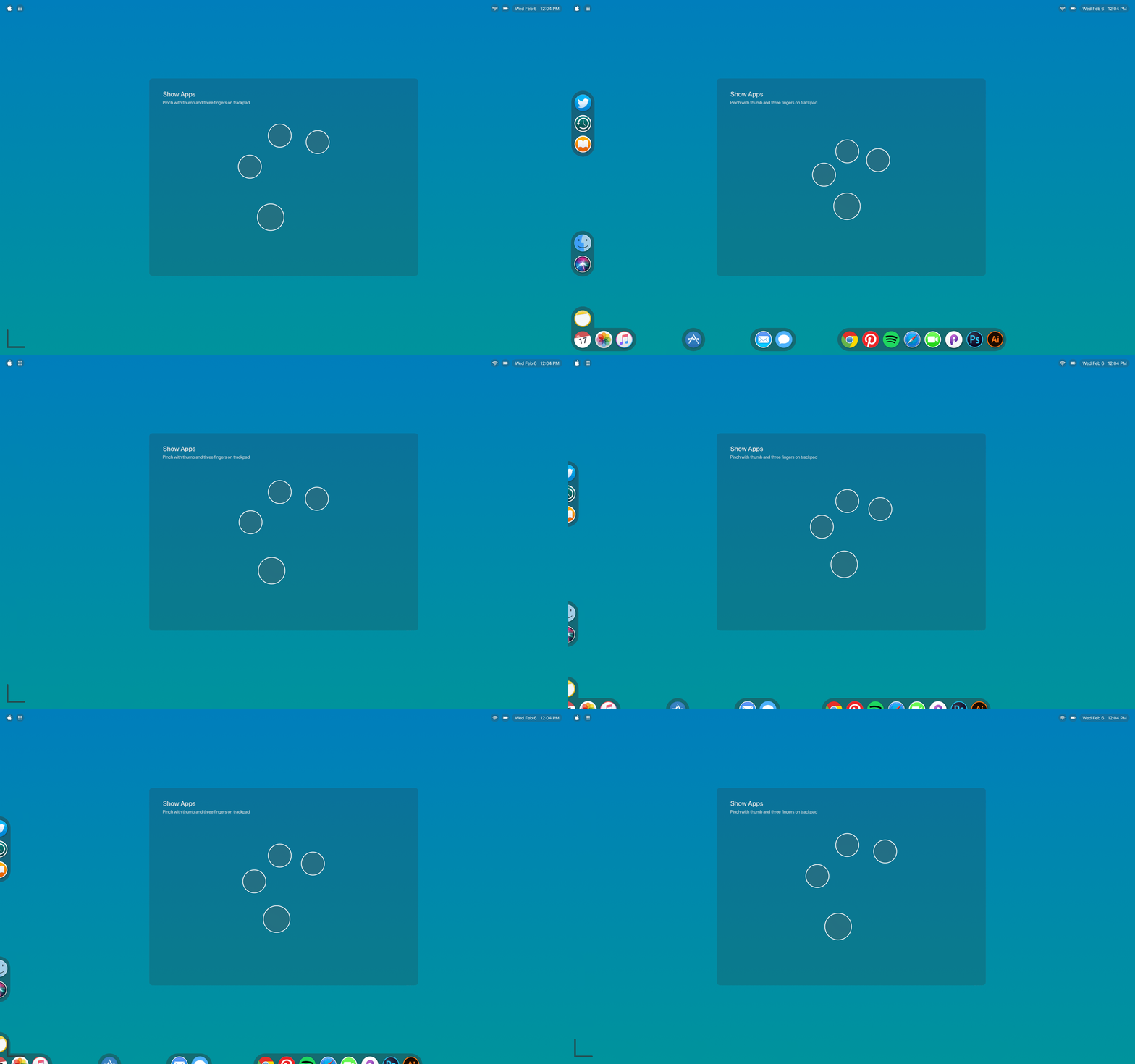
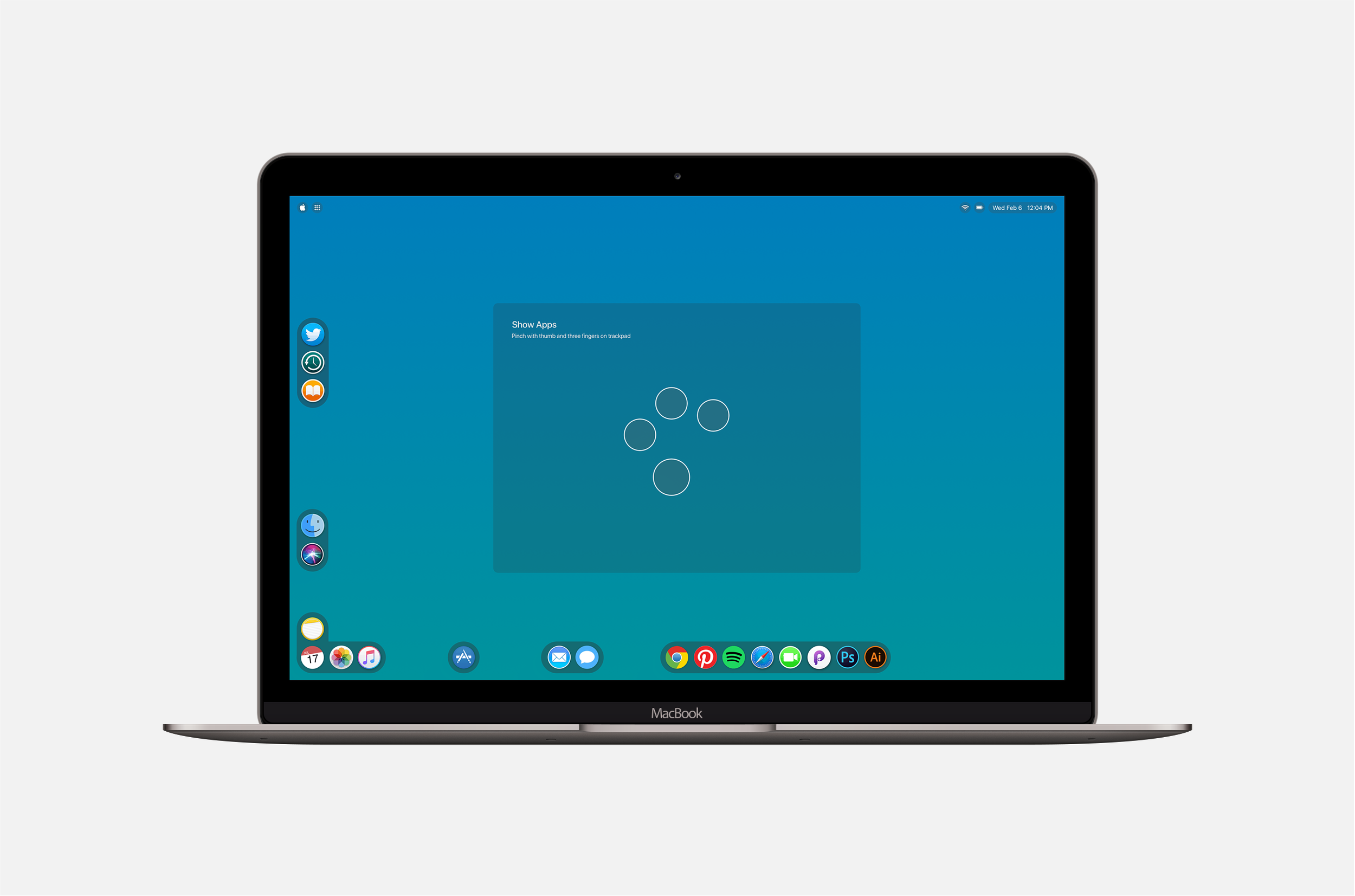
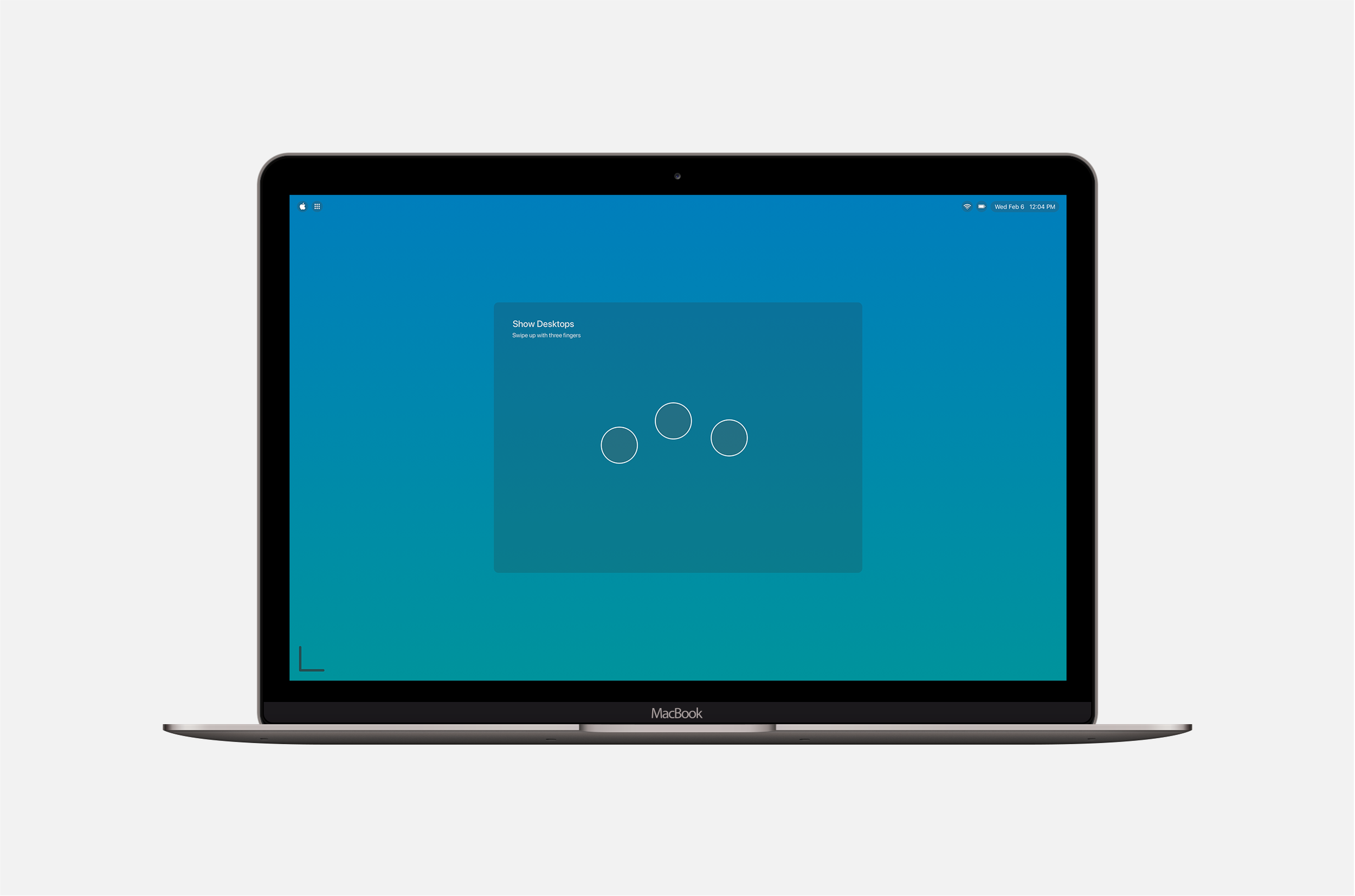
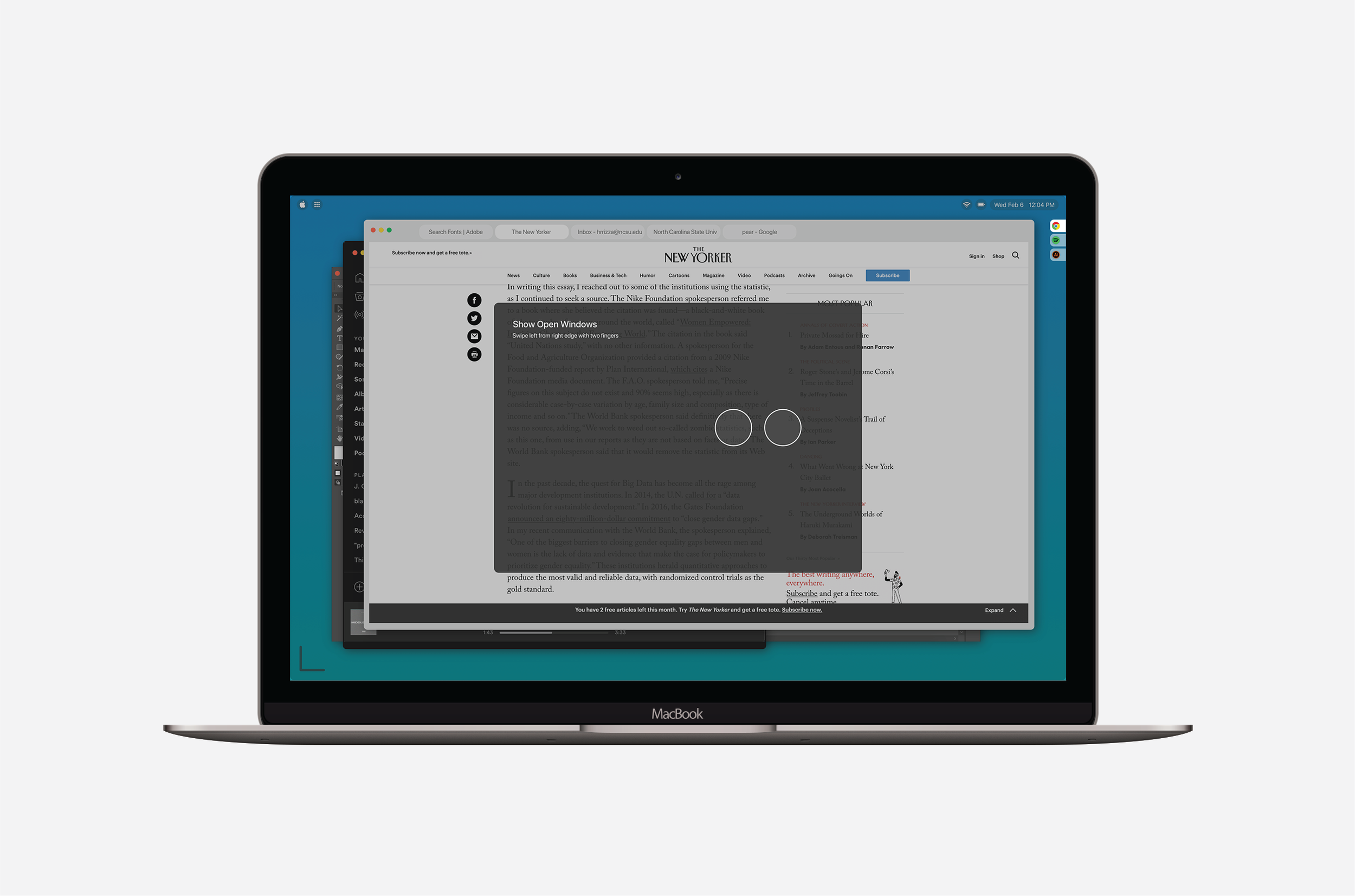
I implemented gestures in order to improve the accessibility of different functions within the operating system such as, the dock, window stack, clipboard, desktops, etc.
New Copy & Paste Functionality
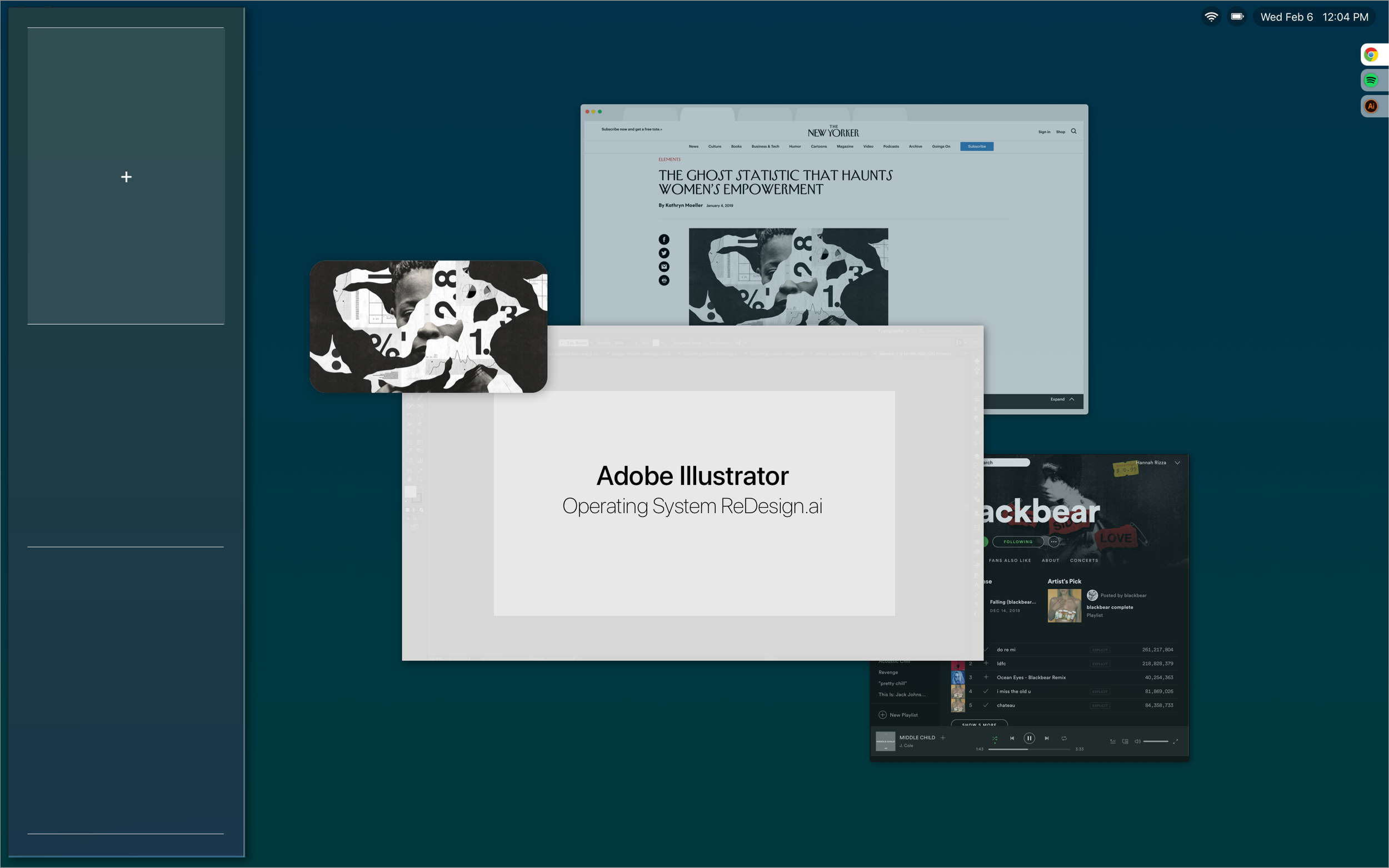
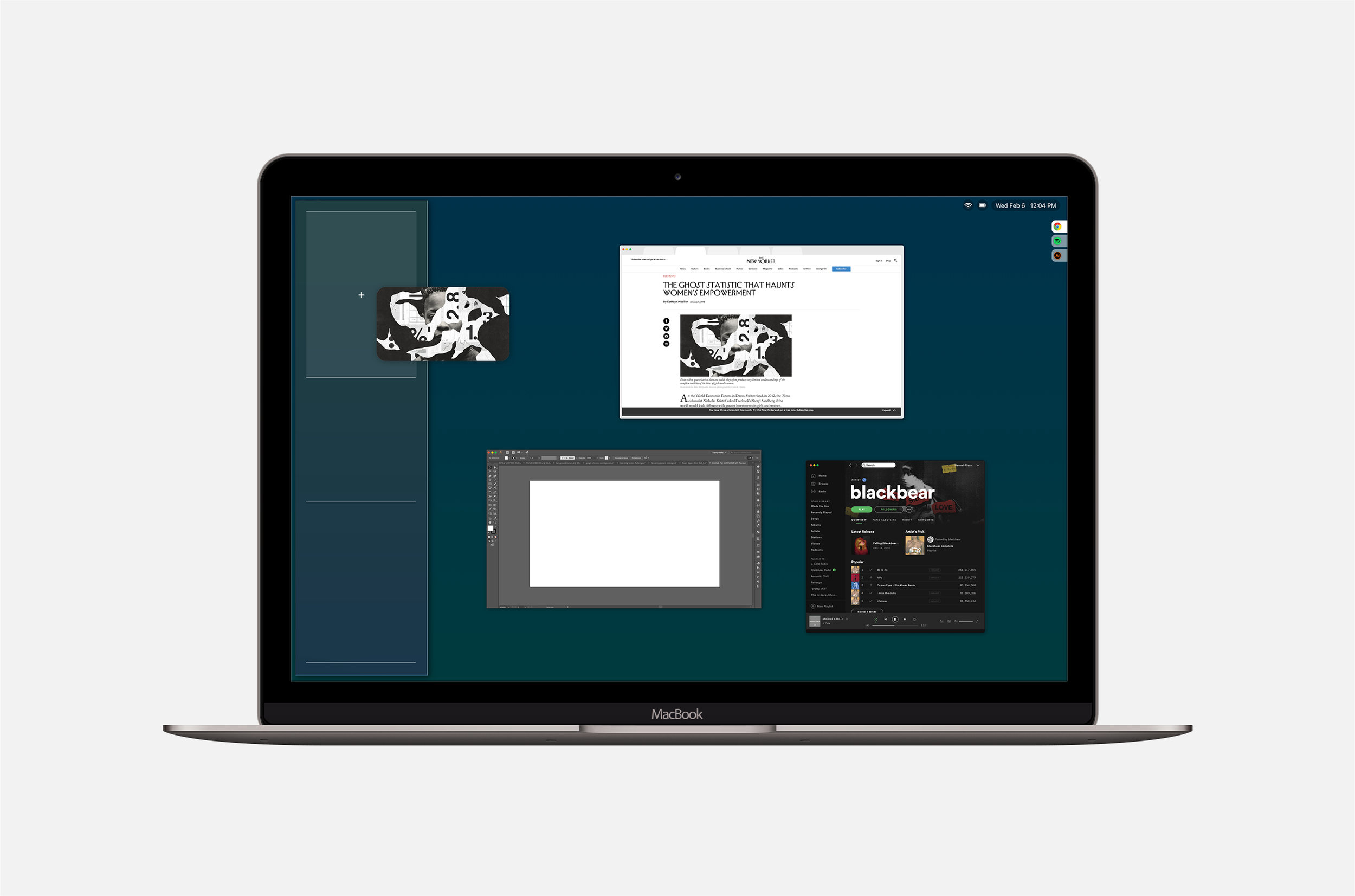
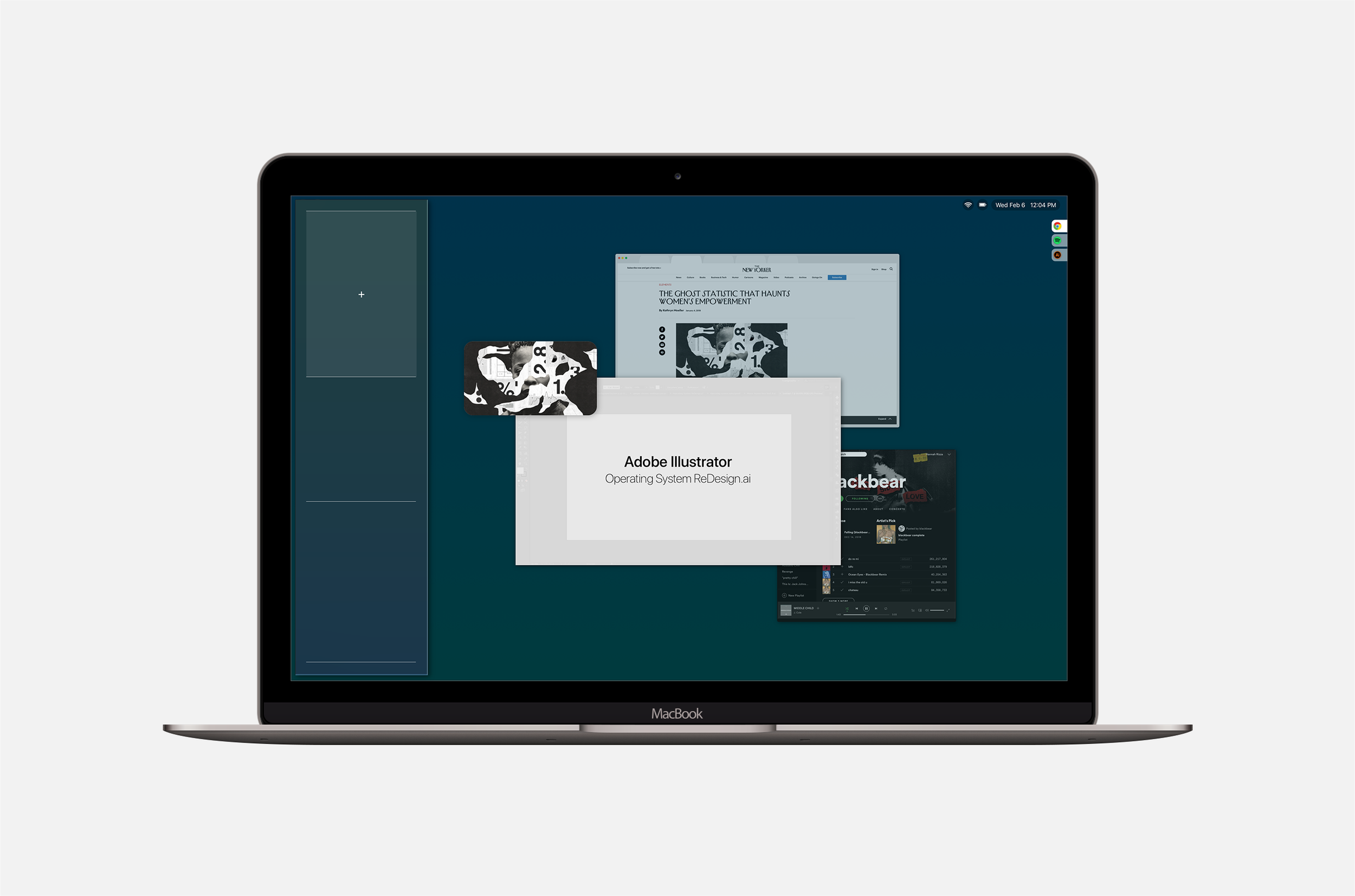
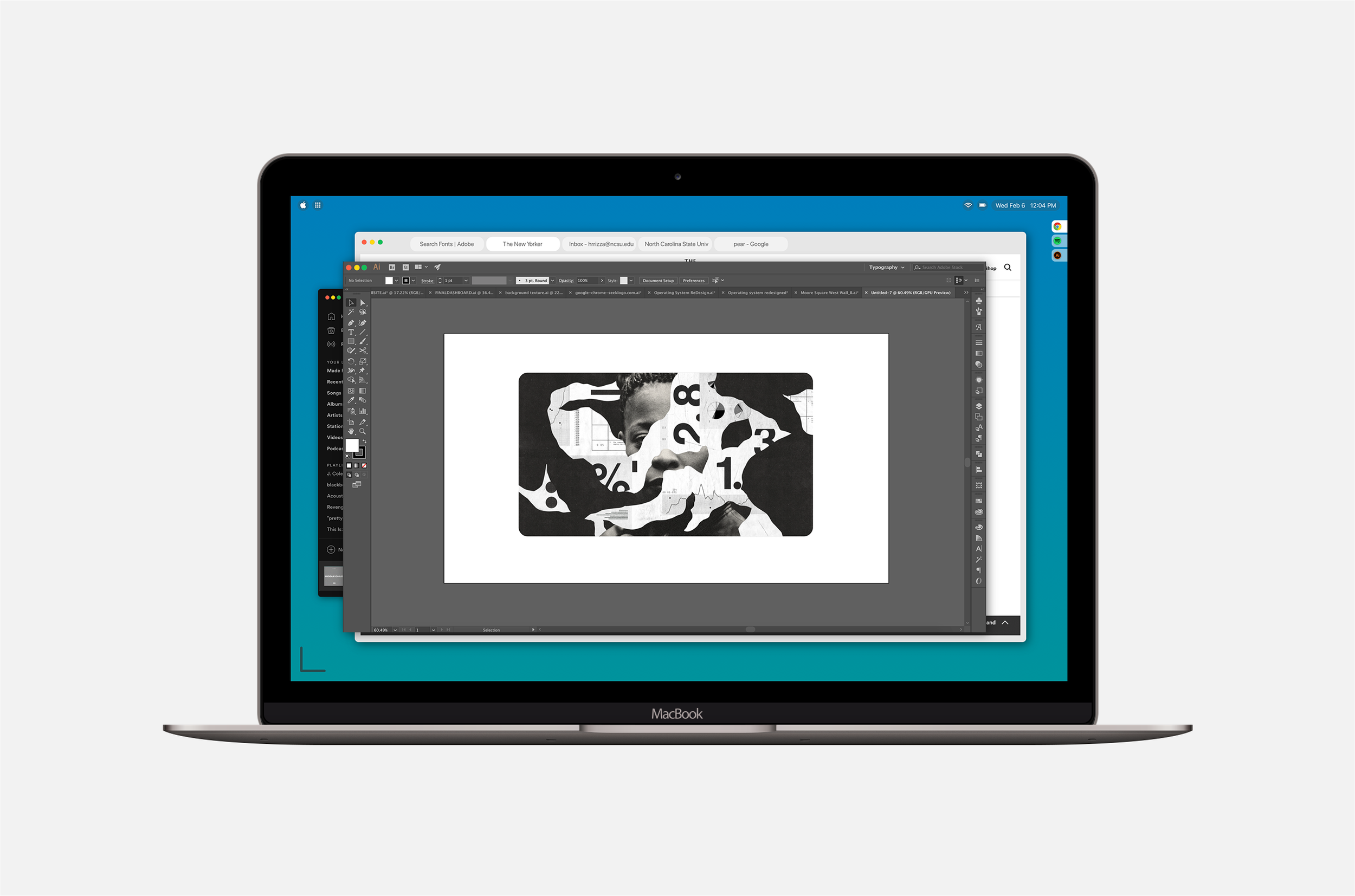
One of the pain points from the current operating system is with multiple windows open, there is no simple way to drag elements from one window to another window or even another window on a different desktop. Using the Mac OS Workspace, users are able to drag elements to the left side of their display and the open windows will minimize. Then users can hover the element over the desired window to expand it and drop the element in.
Clipboard
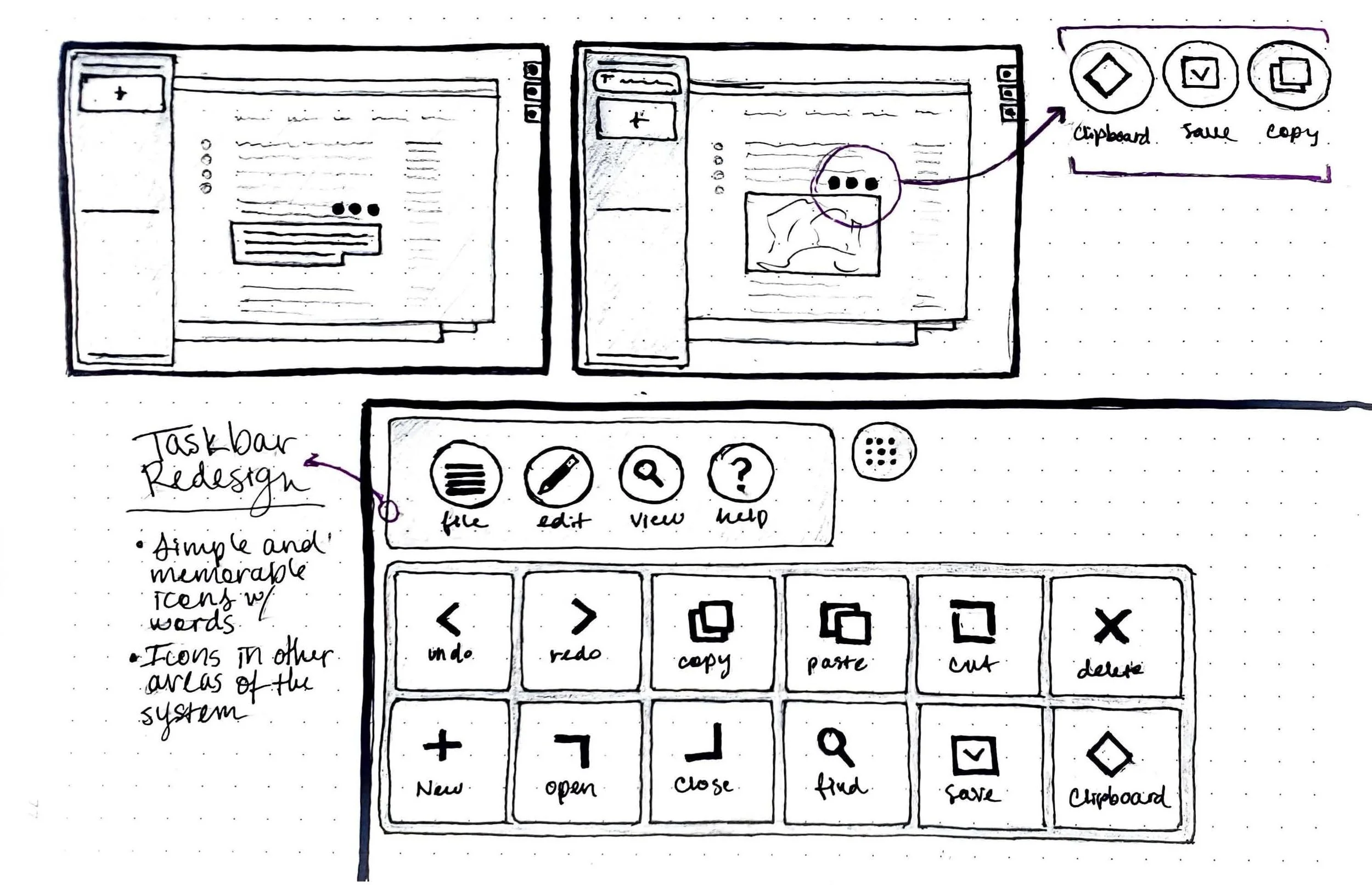
Another improvement to the current operating system would be a visual representation of the clipboard on the left side of the display. With the Workspace operating system, users are able to add images, text, screenshots, and more to the clipboard for easy access. Users would have the ability reorganize and customize the items in the clipboard.

Desktop View
The redesigned desktop view allows users to stay more organized by labeling and saving their customized desktops providing users with an easier and more efficient way to multitask.

Dock
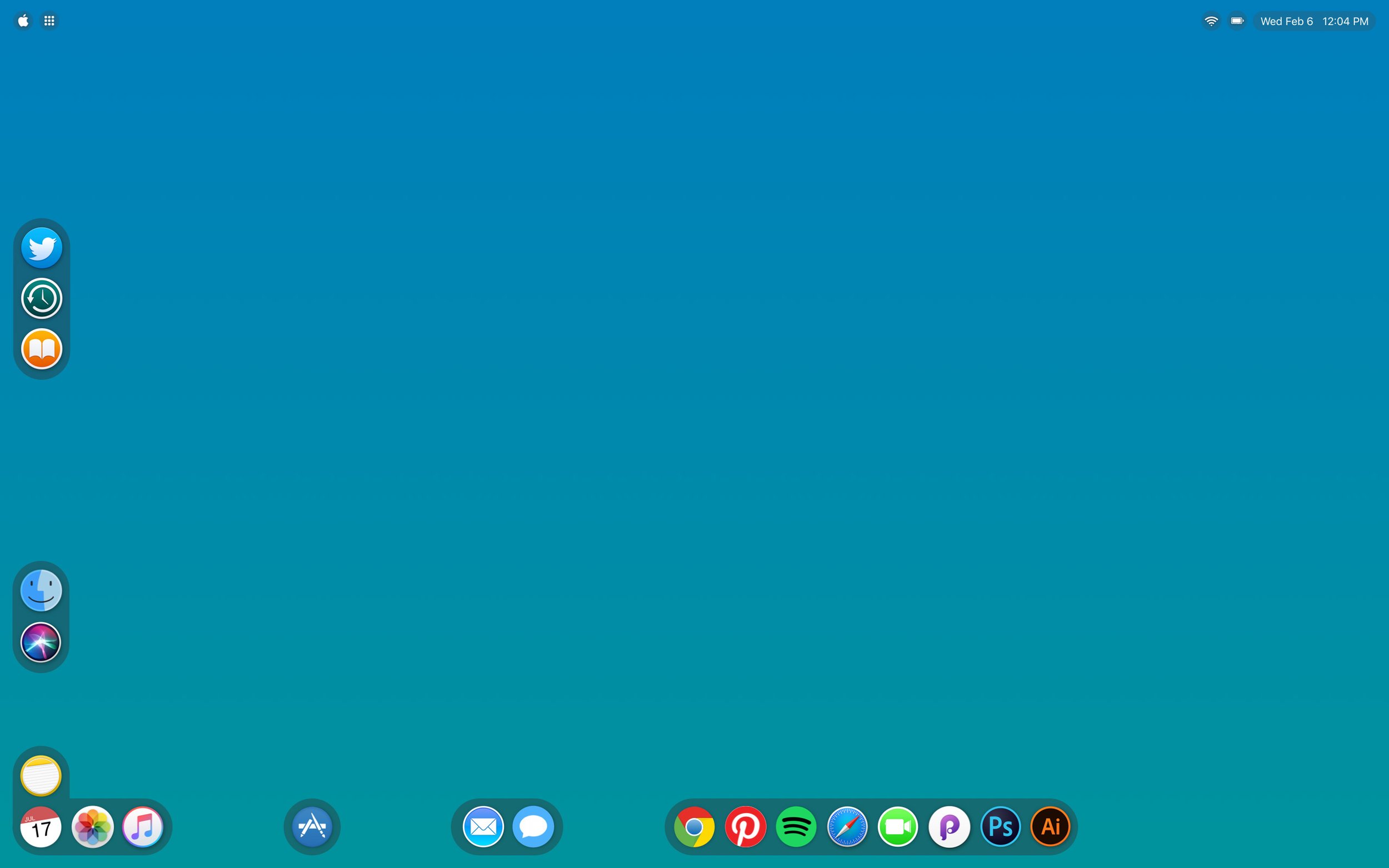
The redesigned dock allows users to customize the arrangement of apps and groups of apps along the left and bottom edge of the screen. This way, users are able to have access to the apps they use the most, while the unused apps are not crowding their dock which increases efficiency.


Window Stack
When a user has a lot of windows and applications open, there is no way to easily access or view different windows. The Workspace allows users to view their open windows in the stacks side panel. They can click a tab to bring it to the top of the stack or click and drag to rearrange the order of the stack.

Reimagined Task Bar
The current task bar is very word-heavy and difficult to find certain functions the user may need. When redesigning the task bar, I created a simple icon set that would represent each action including undo, redo, find, save, etc. Icons would be more memorable and would help users familiarize themselves with where certain functions are located.

Launchpad
The launchpad would be more customizable with the ability to drag and drop apps to rearrange the order or add them to the dock for easier access.


New Finder
The new simplified finder allows users to see previews of the contents of each file without having to actually open the file.